
 Fulfillment App
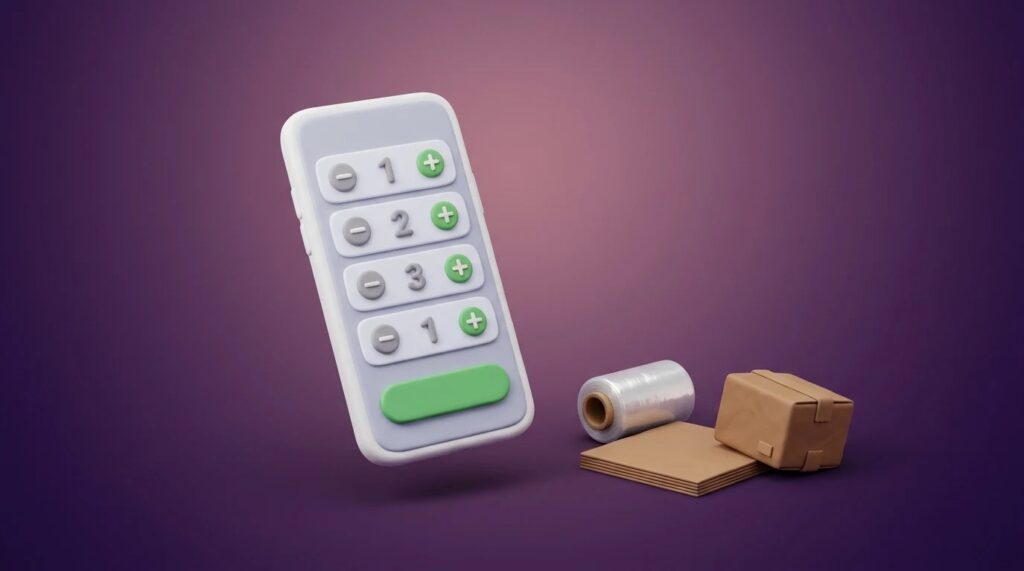
Packing material as a list at dispatch
In the mobile warehouse app, all packing materials can now be shown in one list at dispatch. You enter the quantity of each and confirm once.
TL;DR (In short)
- The new List option shows all packing materials in one dialog.
- You set the quantity of each with plus and minus and confirm once.
- It suits materials without a barcode, such as stretch film or cardboard dividers.
- The previous way, one material at a time, stays available as Single.
Why a list
Packing material is recorded at dispatch so that it can be billed to the merchant. Until now, the warehouse worker chose one material, entered the quantity, confirmed and repeated this for the next one. Boxes have a barcode and are scanned, while film, dividers and filler usually do not. When a parcel needs several of them, entering them one by one takes time.
How it works
- Setting. In the app settings, under Dispatch, turn on Enter number of boxes and choose List for the display.
- At dispatch. The dialog shows all packing materials. Next to each there is a minus, the quantity and a plus.
- Confirm. When the quantities are right, confirm once for the whole parcel.
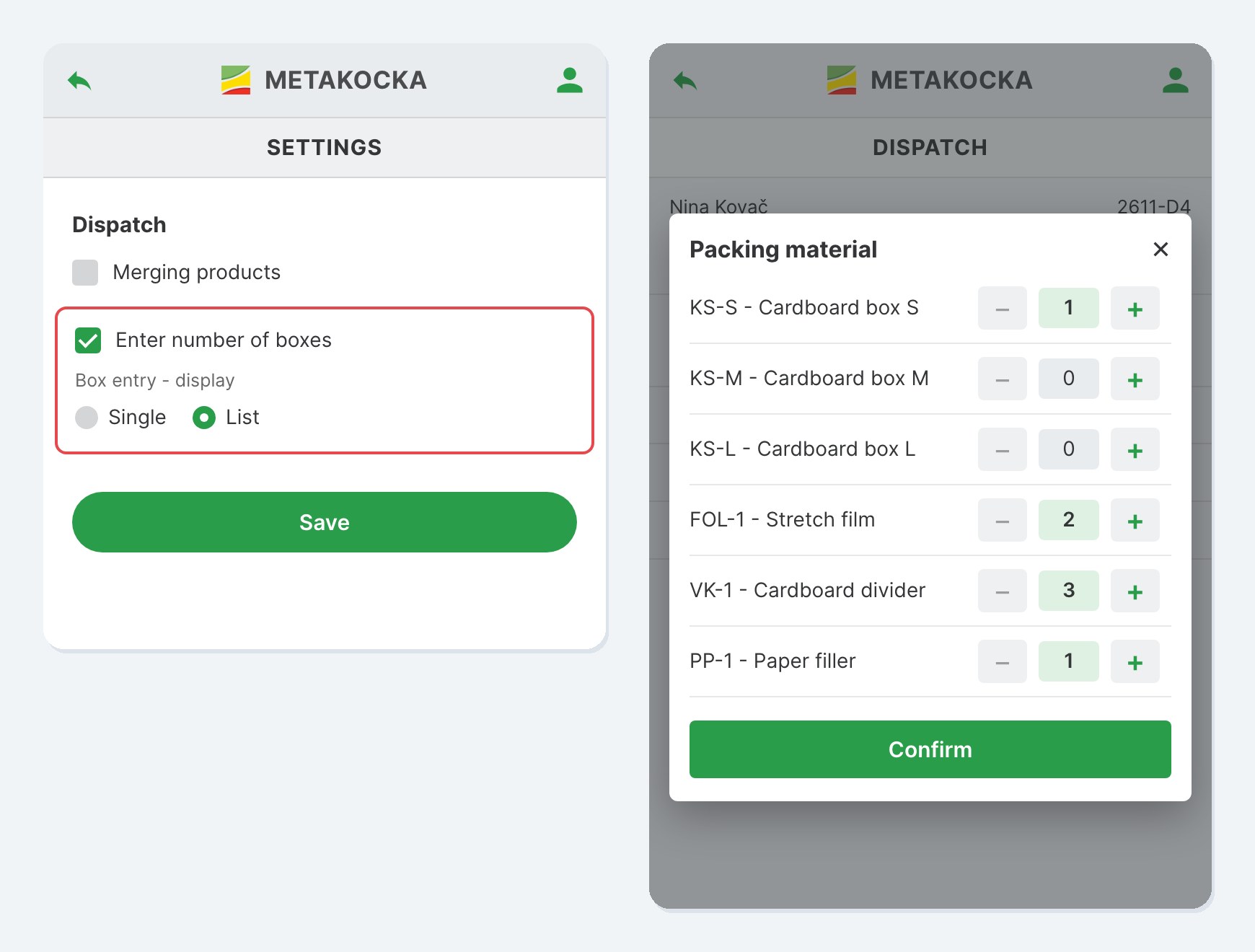
On the left the setting, on the right the list at dispatch. The materials and quantities are sample data.
Each warehouse can choose the display that suits it. Where all packing has barcodes, Single works as before. The feature is part of Fulfillment App.
Instructions and more information:
MetaKocka support · Fulfillment App
Is your warehouse still running on notes and phone calls?
Meet Fulfillment App and keep receiving, picking and dispatch in one application.
| Try it out |
Wishing you business success,
MetaKocka Team
Would you like to be informed about news and optimizations?