Thursday at 10.00 CEST: webinar on what is new in Order Management
The webinar on what is new in Order Management is on Thursday, 1 October, at 10.00 CEST. It lasts one hour, is in English and is free. Everyone registered also gets the recording.
In the settings you decide which status a sales order moves to when a picking list is created for it, when the warehouse worker scans the first product and when picking is finished. The order list then shows which stage the order is at.
A product now has a Safety stock field. The value is subtracted from free stock before the figure is sent to the web shop, so the last few pieces stay available for orders coming in by other routes.
A product with no free stock is highlighted in the order list, and in the order details the negative free stock is printed in red. Orders that cannot be dispatched are visible without opening them.
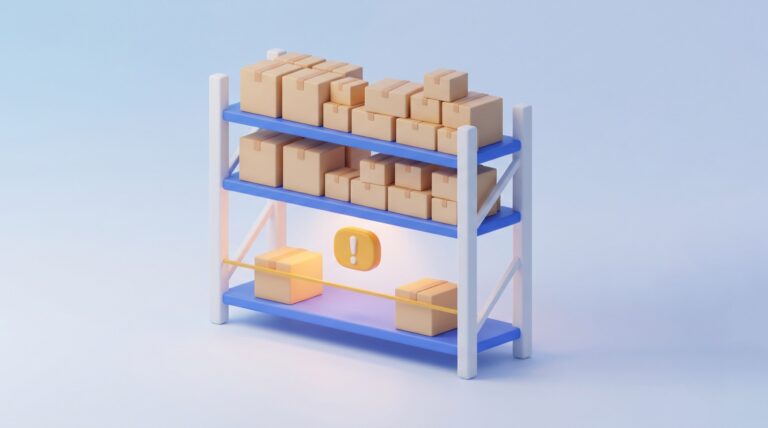
A product that has dropped to its minimum stock gets a yellow warning in the stock overview, and the tooltip shows the threshold. A new filter lists every such product at once.
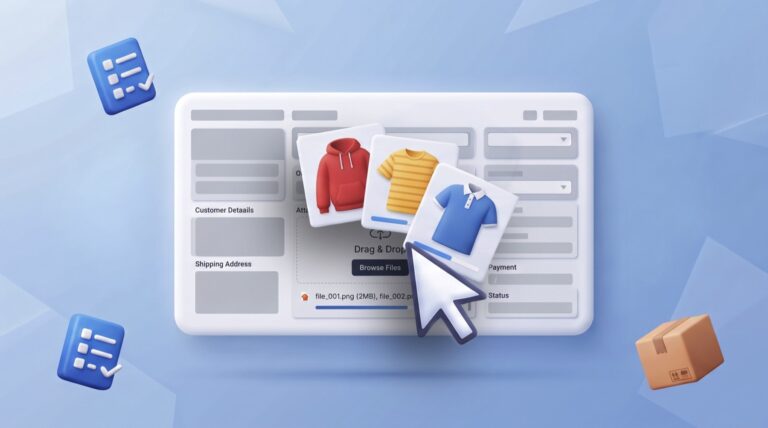
A product now has its own attachments. You upload images and files right in the product details, there is a new section on the General tab, and a separate Attachments tab above it for longer lists.
Our six years of data show that November brings 54% more orders than September on average. In August we passed three million processed orders in a single month for the first time. Here is where the operation breaks first and what you can still sort out in September.
August 2026 is the first month in which Order Management processed more than three million orders. Alongside orders there are SMS and email notifications, abandoned carts processed and tracking page visits, each chart by month with the years laid over each other.
In Order Management every user can arrange each tab their own way: which columns are visible and in what order, which filters are available and with what default value, and which actions sit in the menu. The settings are saved per user.
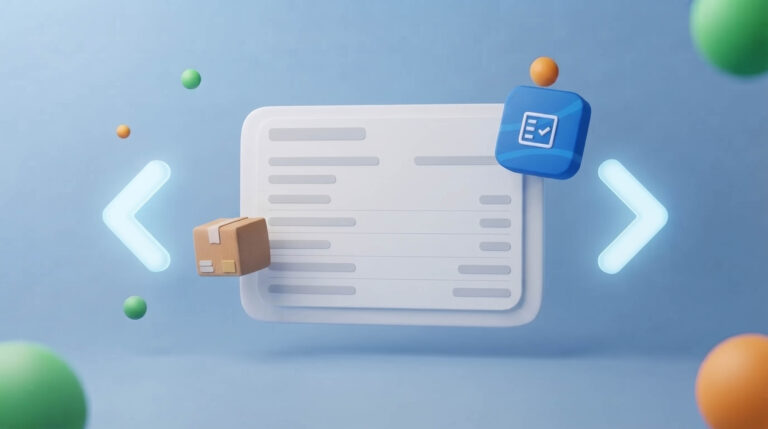
An open order now has arrows on its left and right edge. They take you to the previous or next order without going back to the list. Reviewing a batch of orders, that saves two clicks on every order.
The order processing rule has a new Mark as sent option. Orders in the chosen status get a dispatch date and the status Dispatched at the set hour, with no button to click.
July 2026 was the highest month across all six years of tracking and the first to beat the November 2023 record. Alongside orders there are SMS and email notifications, abandoned carts processed and tracking page visits.
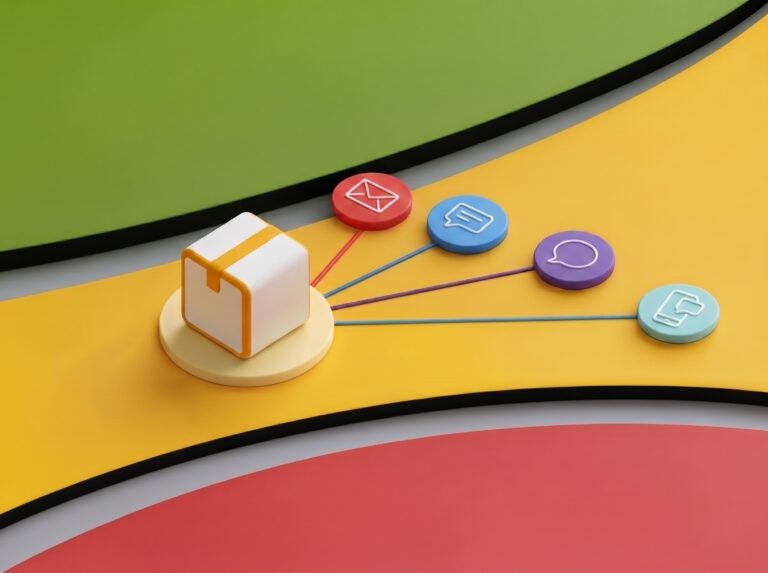
Most of the questions your support inbox gets are questions the customer should never have had to ask. Here is what MetaKocka can tell them automatically, at which point in the order, and through which channel.
On 13 October 2026 the region's online retailers gather at the Mozaik Event Center in Zagreb for the eighth CRO Commerce conference. We will be there, and we would like to meet you.
Notification emails no longer need an external sending account. MetaKocka Mail is built in, your existing templates transfer with one click, and you pay only for the mails you actually send.