Thursday at 10.00 CEST: webinar on what is new in Order Management
The webinar on what is new in Order Management is on Thursday, 1 October, at 10.00 CEST. It lasts one hour, is in English and is free. Everyone registered also gets the recording.
In the settings you decide which status a sales order moves to when a picking list is created for it, when the warehouse worker scans the first product and when picking is finished. The order list then shows which stage the order is at.
A product now has a Safety stock field. The value is subtracted from free stock before the figure is sent to the web shop, so the last few pieces stay available for orders coming in by other routes.
The eighth CRO Commerce takes place in Zagreb on 13 October and we will be there with our own stand. Ticket sales close on 10 October and the hall holds 500 people.
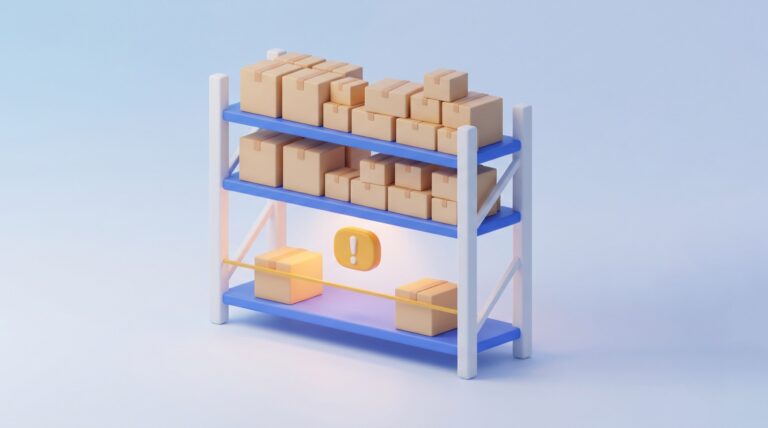
A product with no free stock is highlighted in the order list, and in the order details the negative free stock is printed in red. Orders that cannot be dispatched are visible without opening them.
A product that has dropped to its minimum stock gets a yellow warning in the stock overview, and the tooltip shows the threshold. A new filter lists every such product at once.
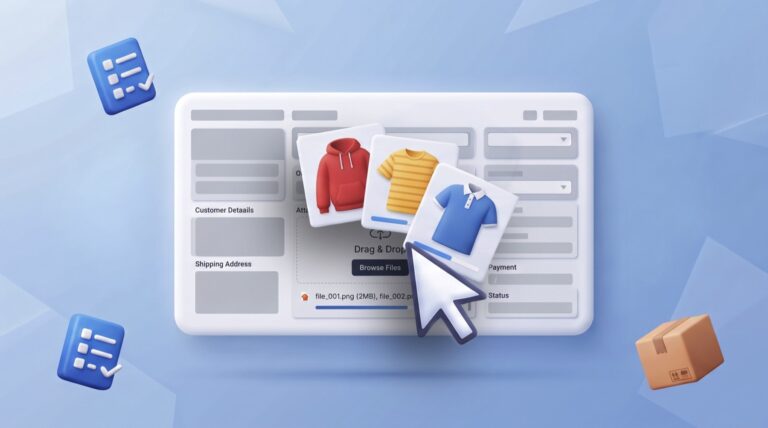
A product now has its own attachments. You upload images and files right in the product details, there is a new section on the General tab, and a separate Attachments tab above it for longer lists.
A new Marketing module is being built in MetaKocka. You will be able to import your contacts, tag them and send them a campaign by SMS, email or Viber, and see for every campaign what it cost and how many orders it brought in. The module is in development, this is a look ahead.
In the notification settings you can now send any email template to yourself as a test, with test data or without it. A preview that can also show the worst-case rendering in an email client sits next to it. Test messages are not charged.
In Fulfillment App you can now select several orders and change their delivery service in one step. Until now every order had to be opened on its own, which hurt most when a carrier cancelled or an import set the wrong service.
August 2026 is the first month in which Order Management processed more than three million orders. Alongside orders there are SMS and email notifications, abandoned carts processed and tracking page visits, each chart by month with the years laid over each other.
In Order Management every user can arrange each tab their own way: which columns are visible and in what order, which filters are available and with what default value, and which actions sit in the menu. The settings are saved per user.
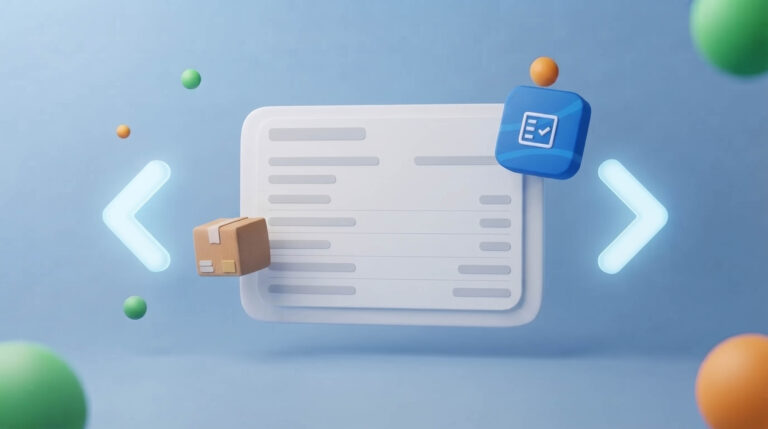
An open order now has arrows on its left and right edge. They take you to the previous or next order without going back to the list. Reviewing a batch of orders, that saves two clicks on every order.
The order processing rule has a new Mark as sent option. Orders in the chosen status get a dispatch date and the status Dispatched at the set hour, with no button to click.
July 2026 was the highest month across all six years of tracking and the first to beat the November 2023 record. Alongside orders there are SMS and email notifications, abandoned carts processed and tracking page visits.